
Roly Poly
Supporting craftspeople with pattern intelligent tools.
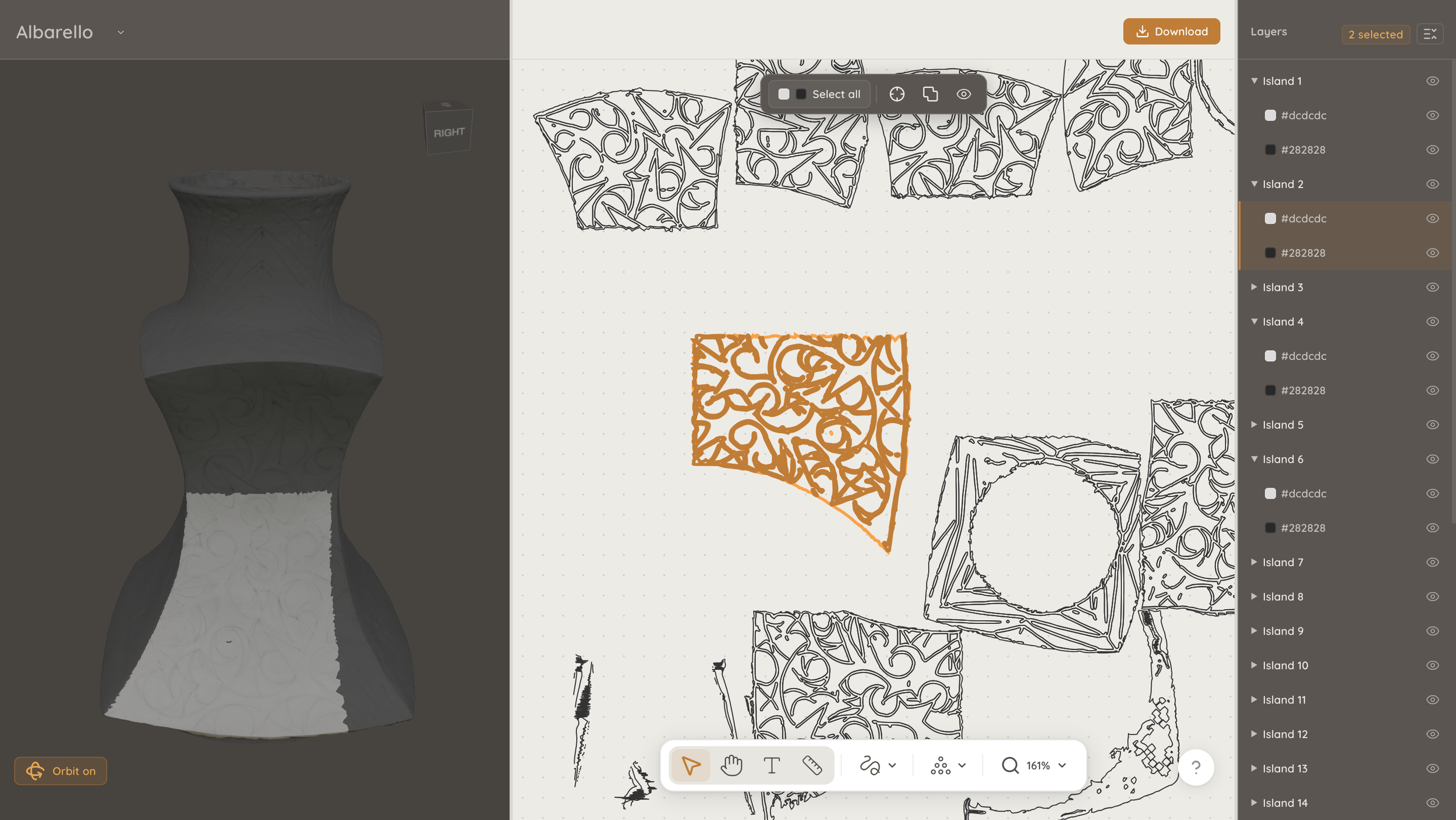
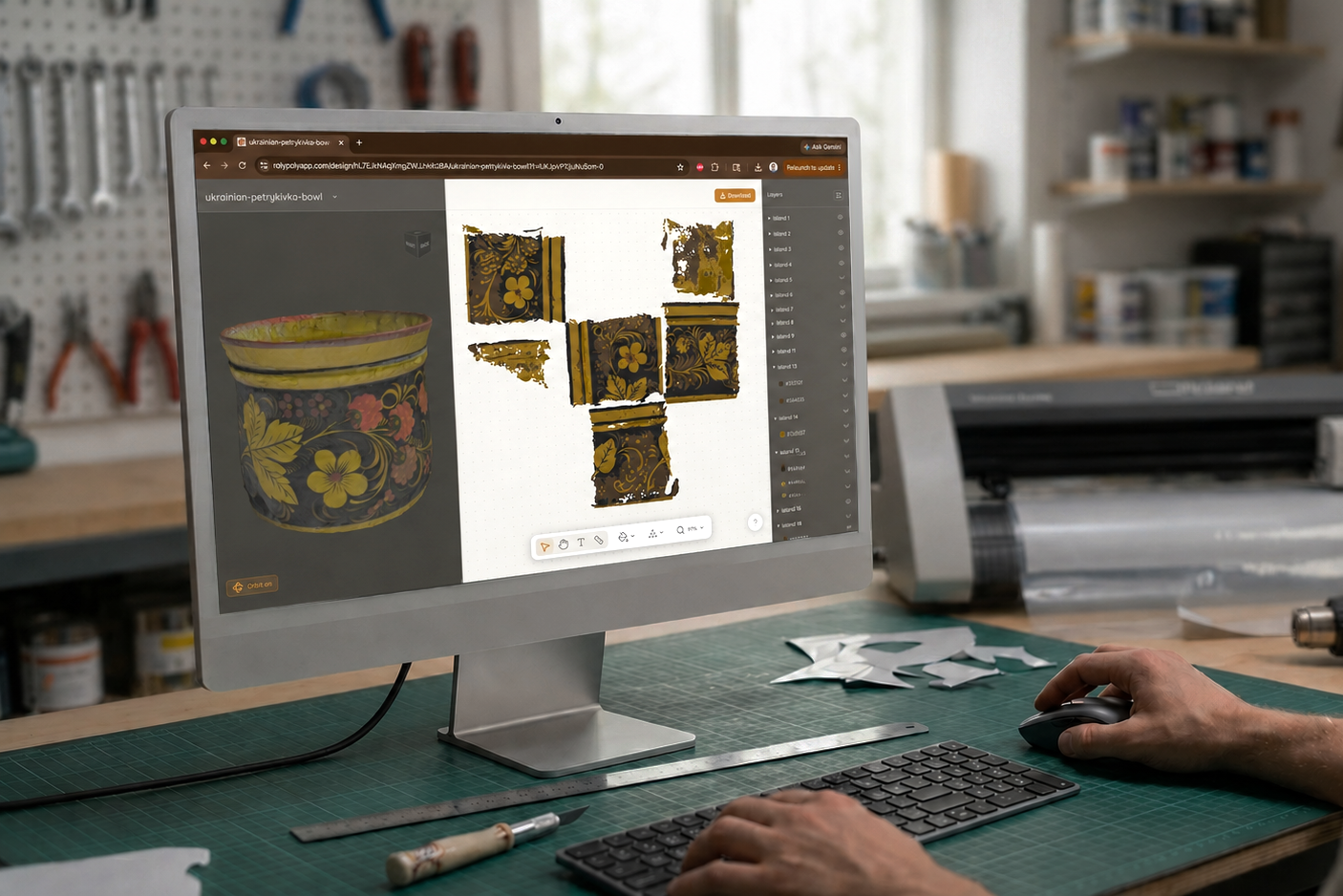
Roly Poly is a web based application that lets users transform scanned surface pattern into an editable vector map, accelerating model making so craftspeople can focus on the aspects of making that they love.
I conceived the idea, built the brand identity, and developed both front-end and backend application from scratch, shipping with Claude Code.
My role:
Design Engineering
Product Design
UI/UX Design
Why did I build this?
Masking by hand is a tedious pain point faced by many artisans whose work features unique, hand-painted surface designs.
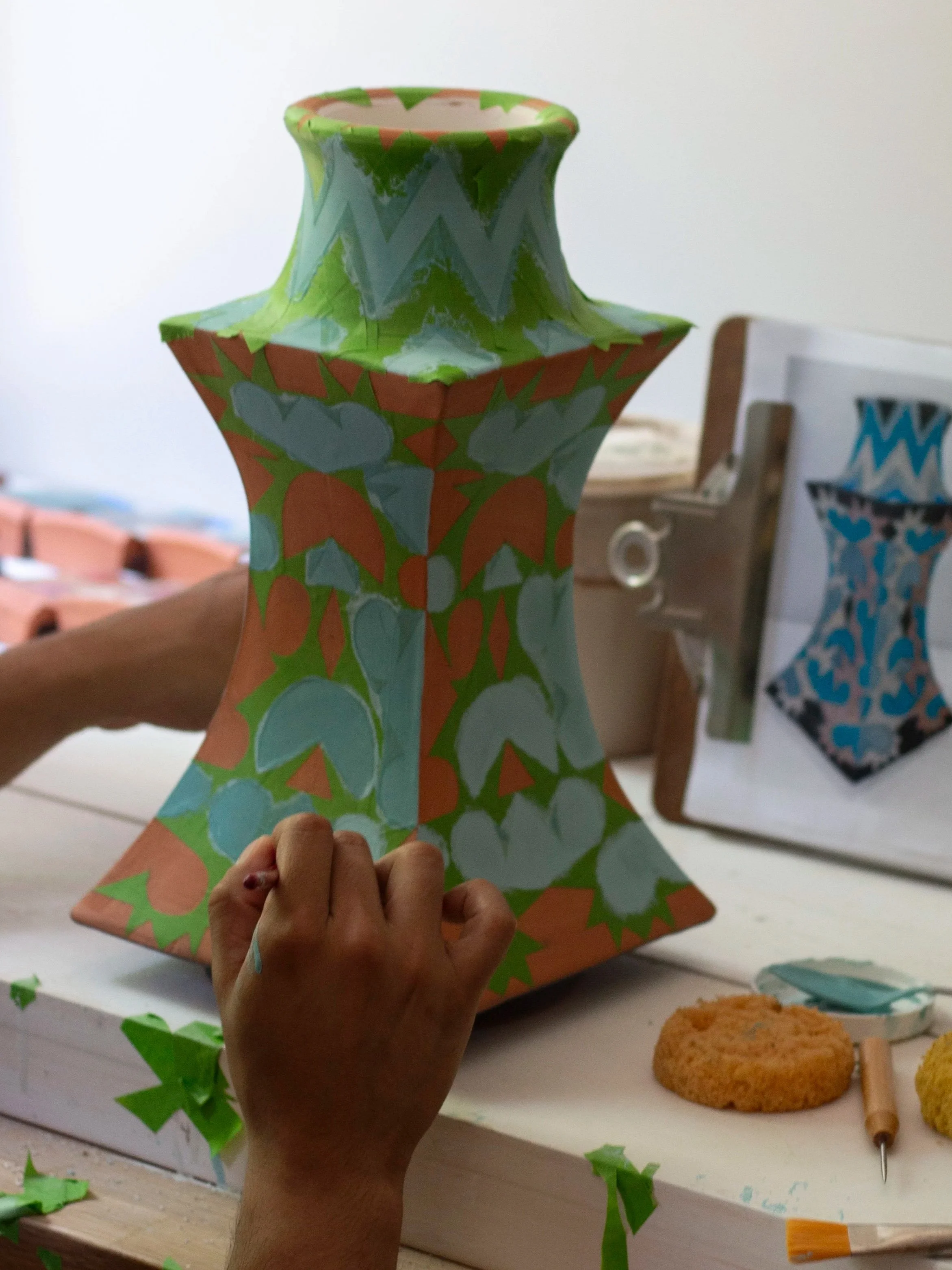
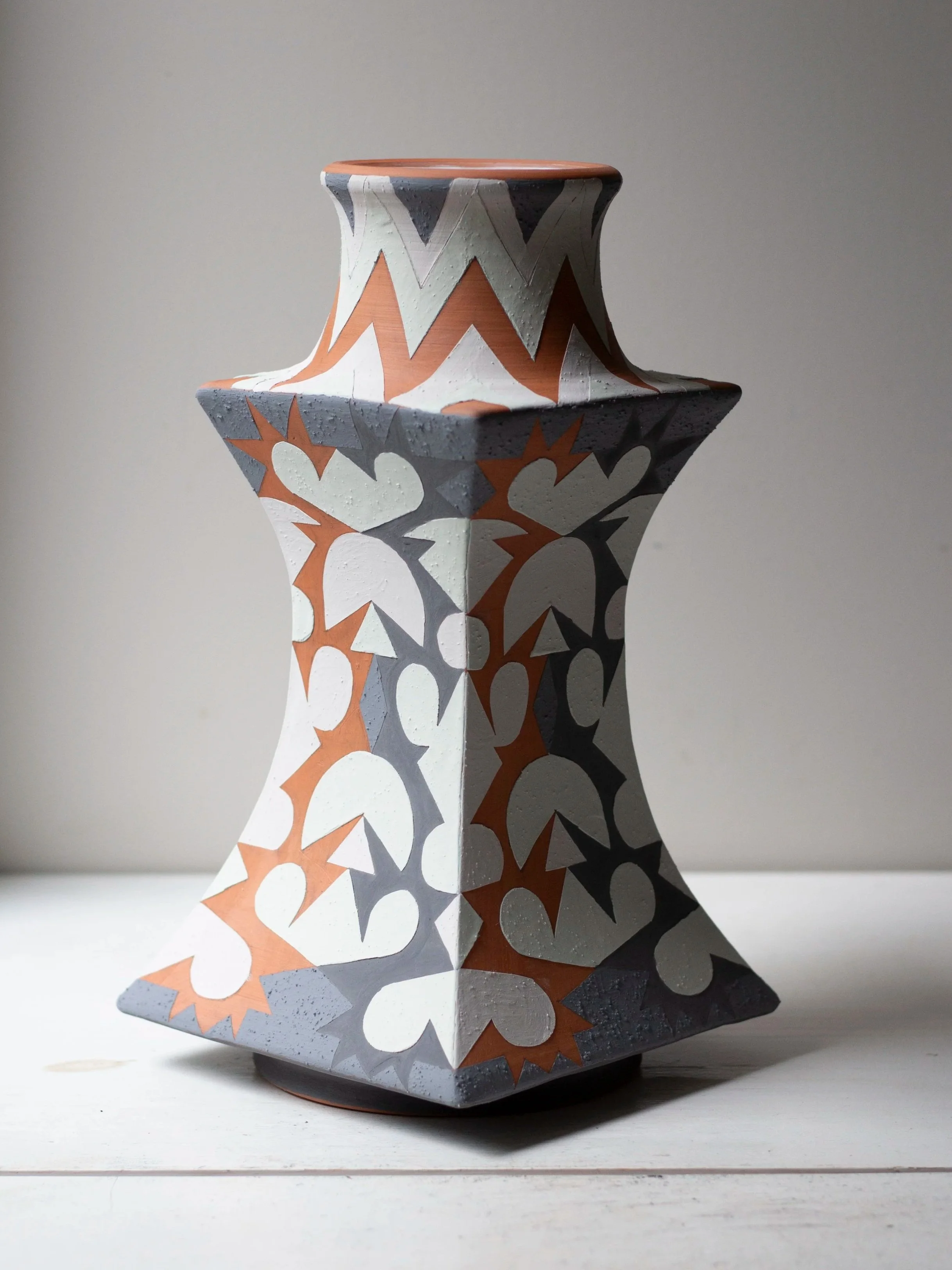
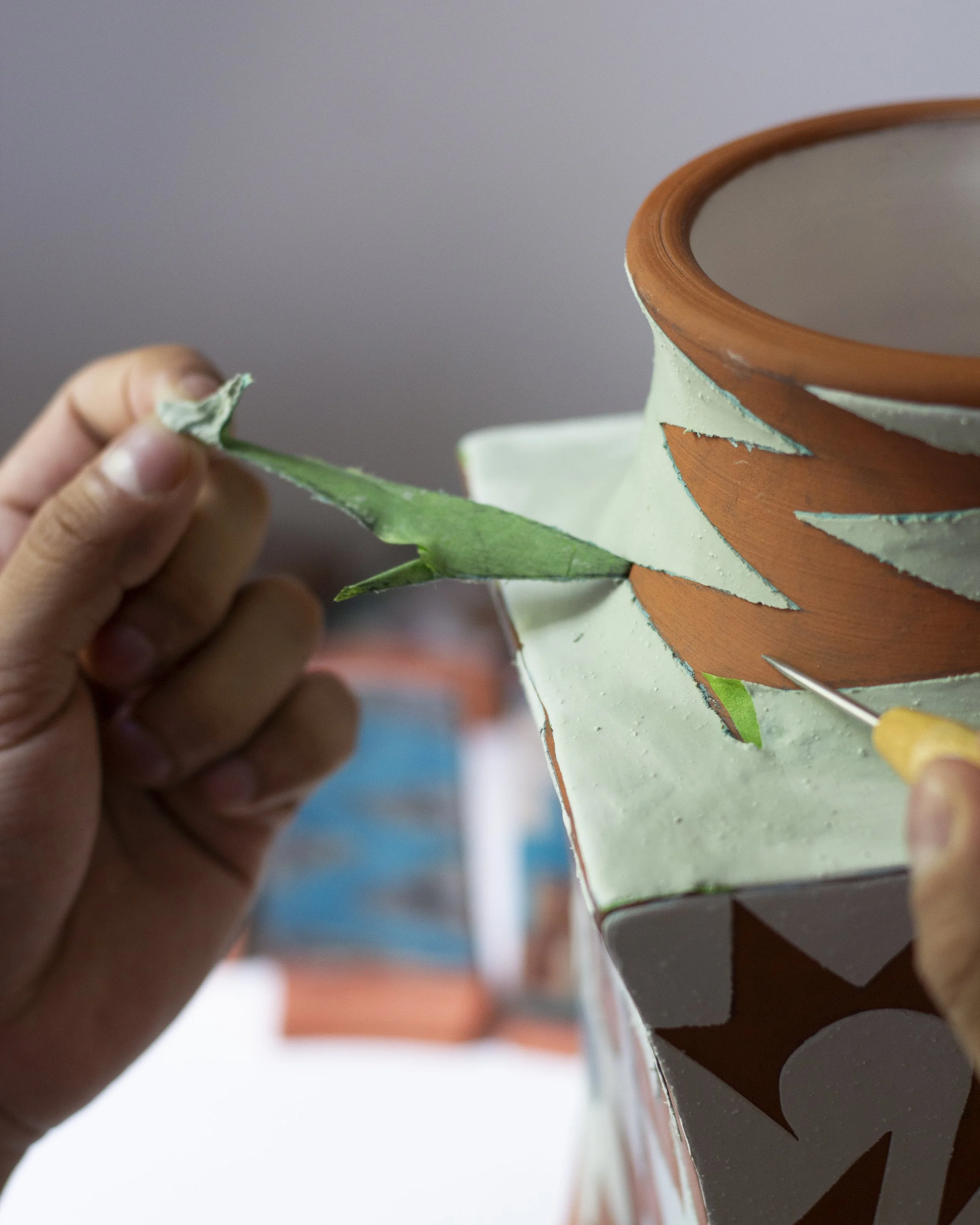
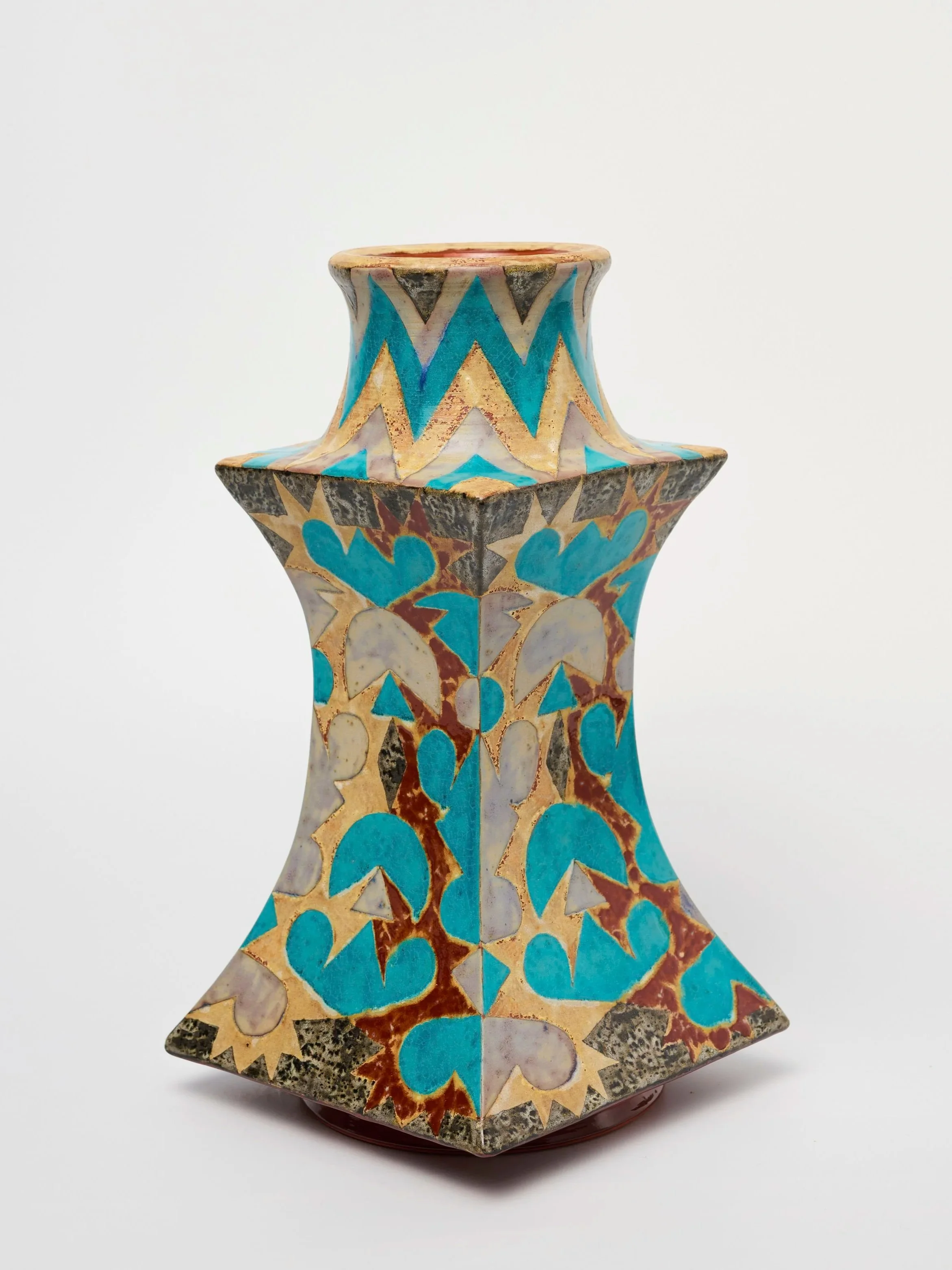
Inspired by one of my side quests, making ceramics with elaborately patterned glaze surfaces, I noticed that a major bottleneck was the time needed to manually mask patterns for glaze application. My collaborator, Francisco, designs surface patterns directly on each vase, customized for the unique shape and proportion. Each shape in the pattern is painted a different glaze, which means every shape needs to be cut out of masking tape by hand.
The Opportunity
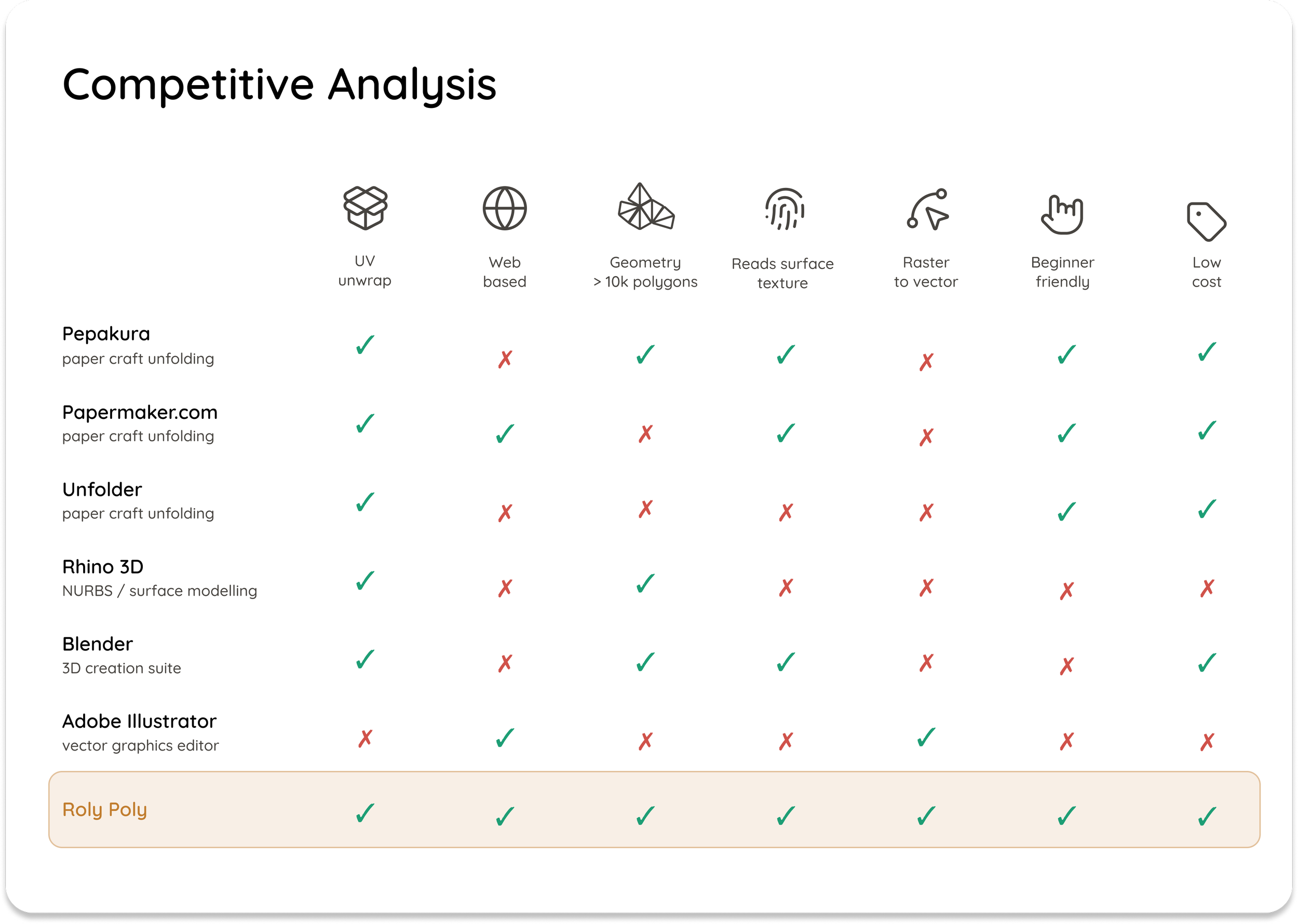
No other 3D software converts an object’s surface texture into vector files based on color or 2D pattern.
It was clear that making use of mechanical tools like vinyl or laser cutters had the potential to streamline the process. But how could we turn a design that was custom drawn on a physical object into a flat file for plotting? Some software tools on the market offer UV unwrapping capabilities for similar tasks, but none are capable of simultaneously handling complex geometry and detailed surface patterns derived from a handmade object.
The Solution
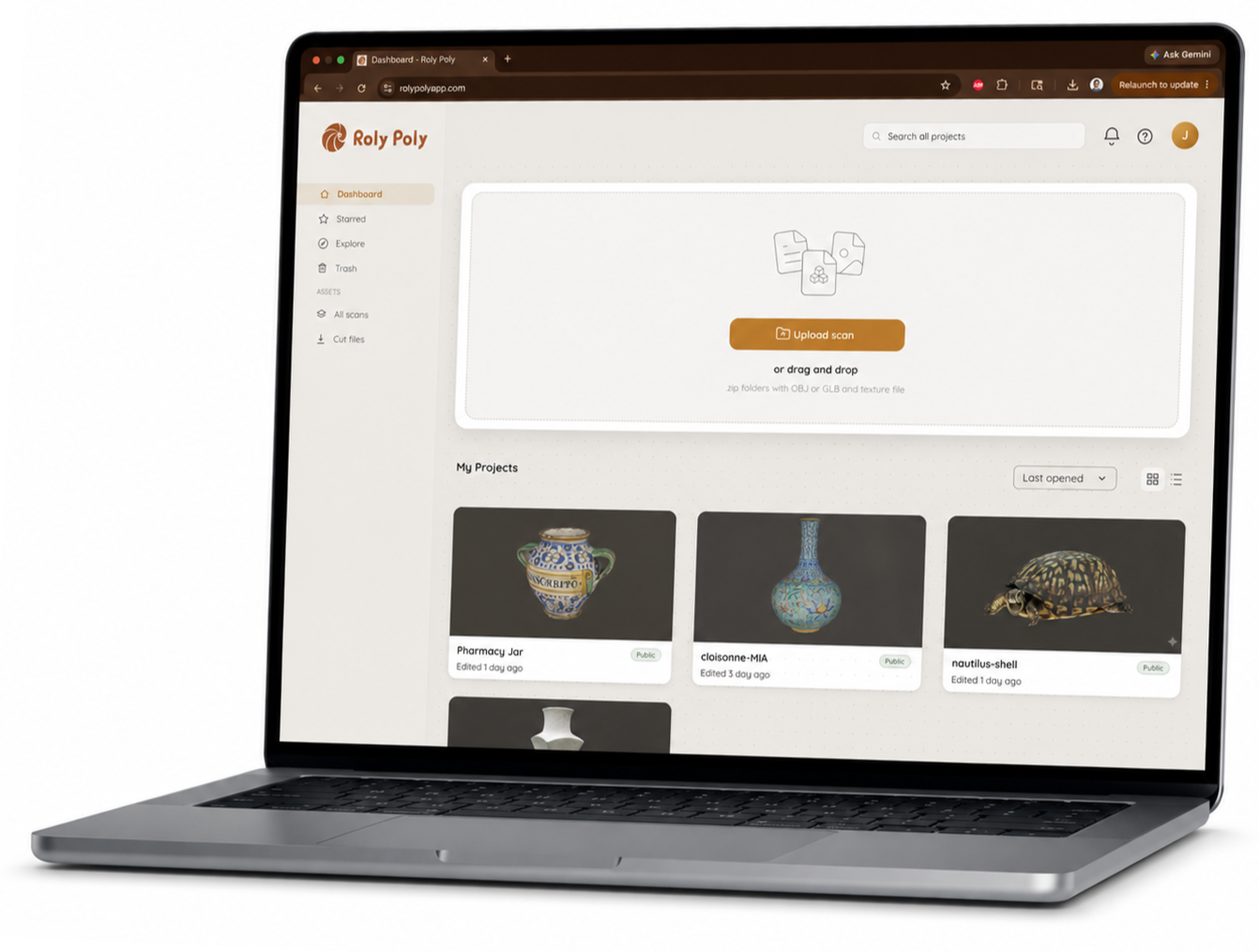
Roly Poly offers a unique all-in-one solution for users who want to model and iterate patterns by hand, then seamlessly convert their drawings into a digital and mechanically reproducible format.
How does it work?
Users upload a 3D scan, either created themselves or downloaded online. Roly Poly creates a UV unwrap extracting the dominant colors in the texture map and converting clusters to editable vector paths.
Upload, Orbit, Arrange
A responsive 3D viewer, unwrap canvas, and layers panel provide intuitive overview of the interconnection of each part.
Users can resize the panels and hide unnecessary color islands to dedicate space to whatever they're focused on.
Simplify with Merge
Too many colors? Spot correct noise by combining nearby clusters into one color. Merge cleans up instantly while every action stays visible and reversible so nothing's lost.
See only what you need.
Users can isolate either whole islands or selected colors, automatically hiding everything else. This is particularly useful to plan or reference when masking specific colors.
Contour Mode
Toggle views to see just the outline of each layer, letting users verify the exact contour the cutter will follow before committing.
How did I build it?
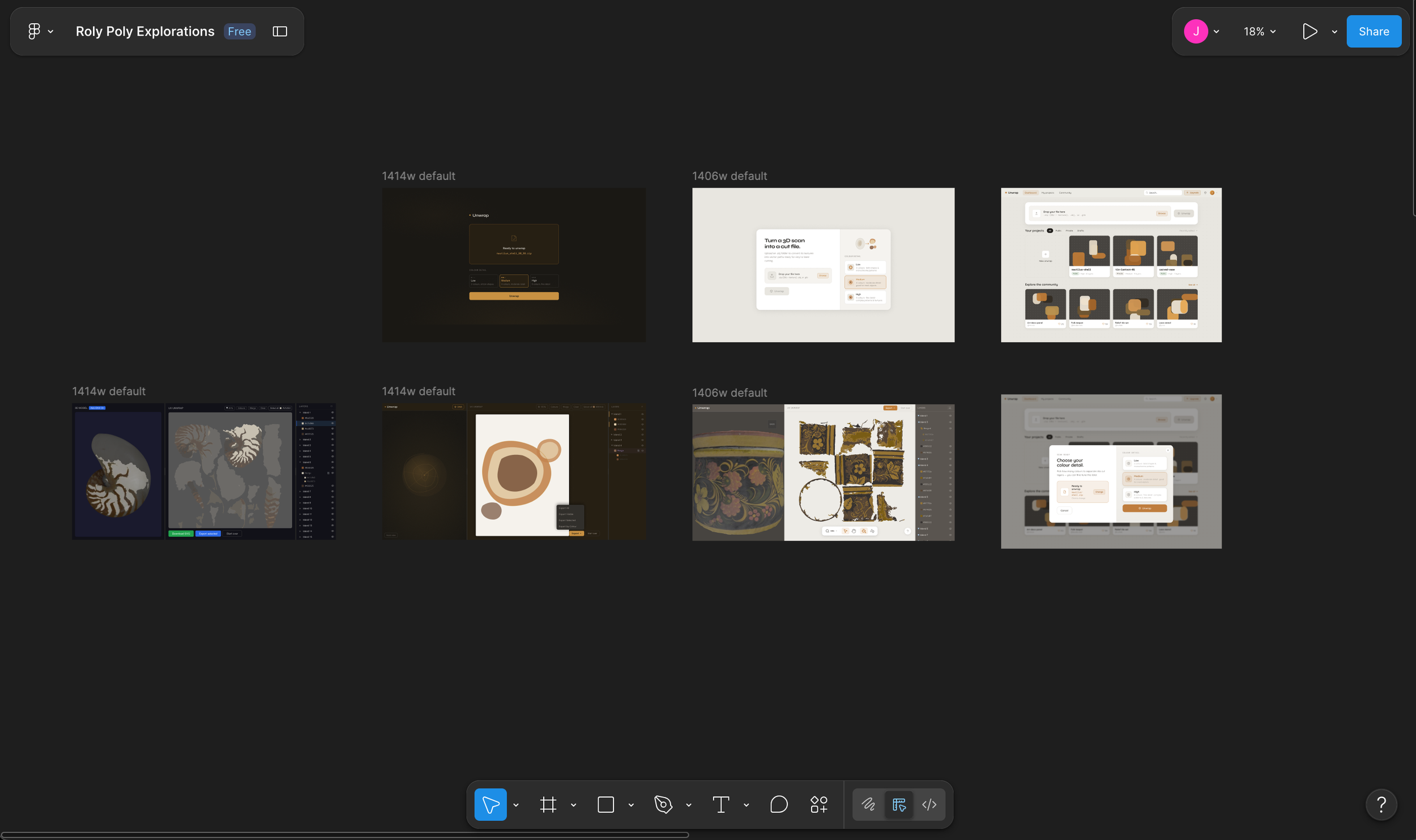
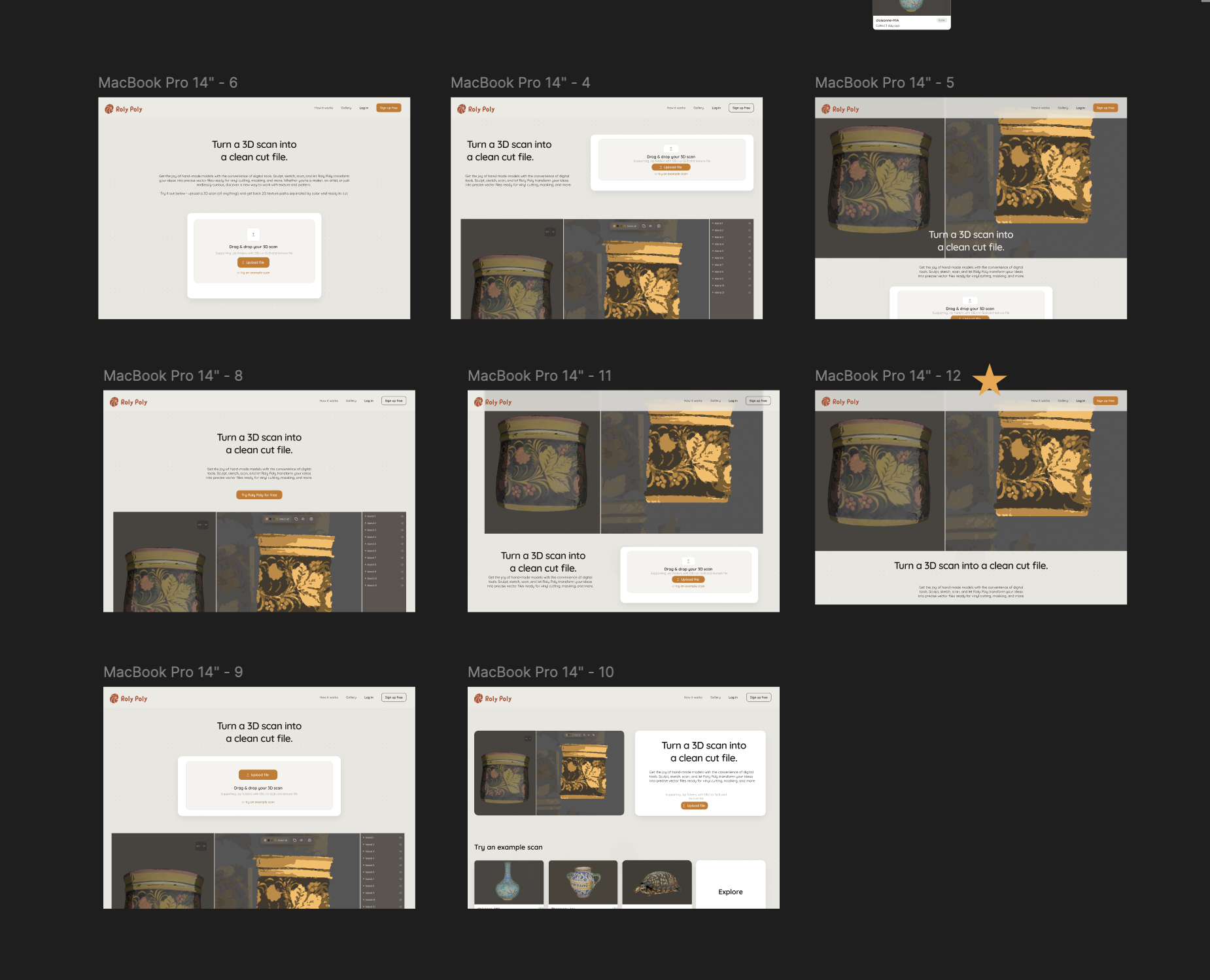
I designed and engineered Roly Poly across multiple platforms, cycling between Claude Code to develop the back-end (Python) and front-end (JavaScript, CSS), iterating UI through rapid HTML generation, and pulling mockups into Figma to fine tune the details.
Working with AI definitely sped up the process, and allowed me to see interaction patterns live that I couldn’t possibly mockup alone. Many many iterations lie in the wake of the current design!
Training a Neural Network
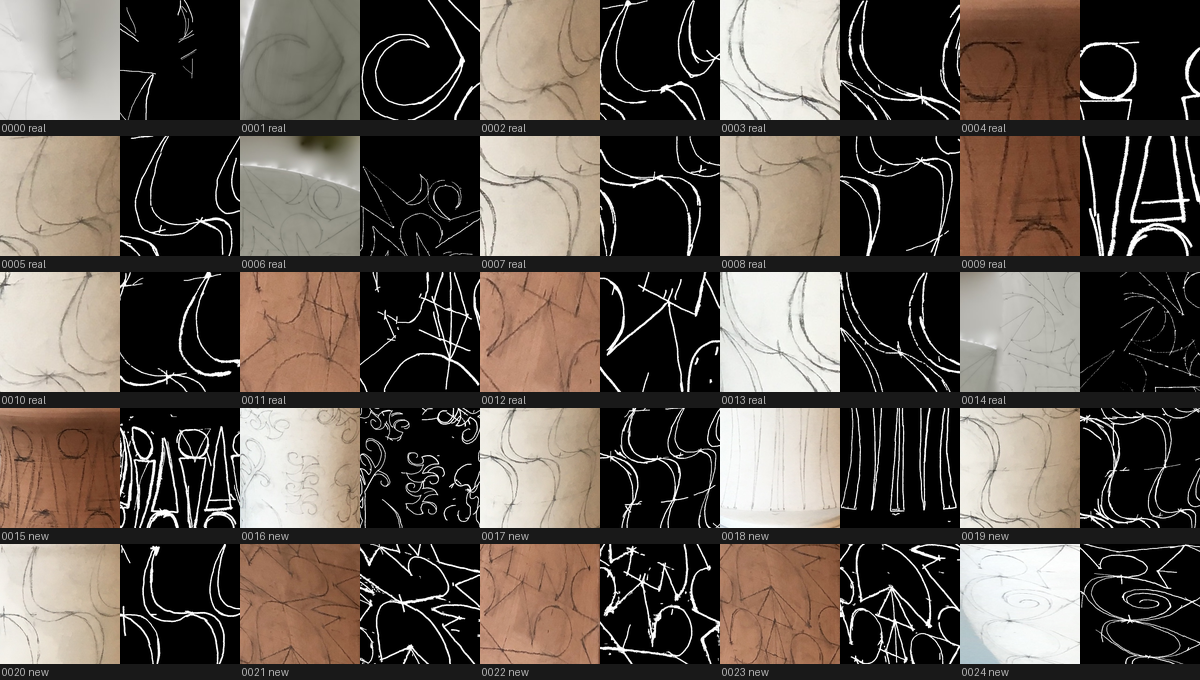
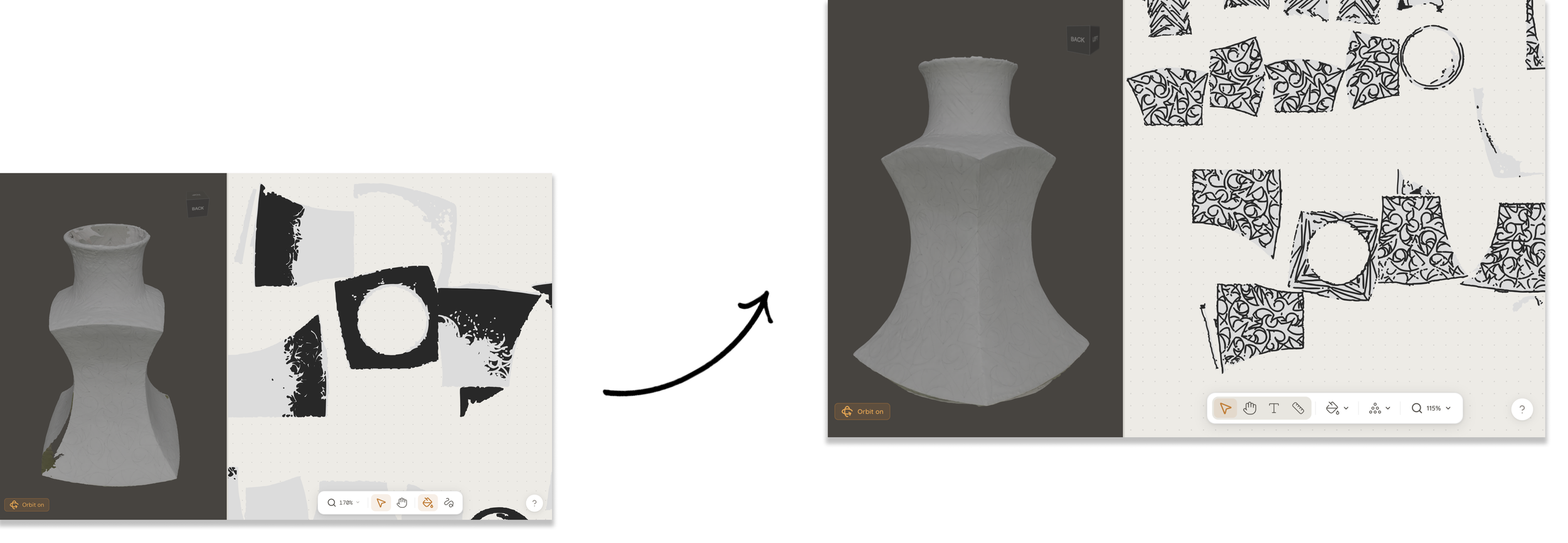
A significant use case for this app is to turn hand drawn sketches into digitally exact files. Yet, when scanning pencil drawings on ceramic vases, our original approach (color clustering) struggled to identify the pencil lines as different from the natural color variations on the object’s surface. To fix this, we trained a small AI model specifically to recognize the visual signature of a pencil mark versus plain ceramic surface, rather than relying on color alone. Based on a couple dozen authentic data samples, I built a generator that creates synthetic "pencil-on-ceramic" images that fade and vary the way real drawing does, and trained a neural network on thousands of examples to learn how to distinguish a drawn line from surface variation. The result was a significant jump in accuracy: pencil marks are now correctly isolated from surface noise in most cases, producing far cleaner cut paths than the color-only method.
Visual Design
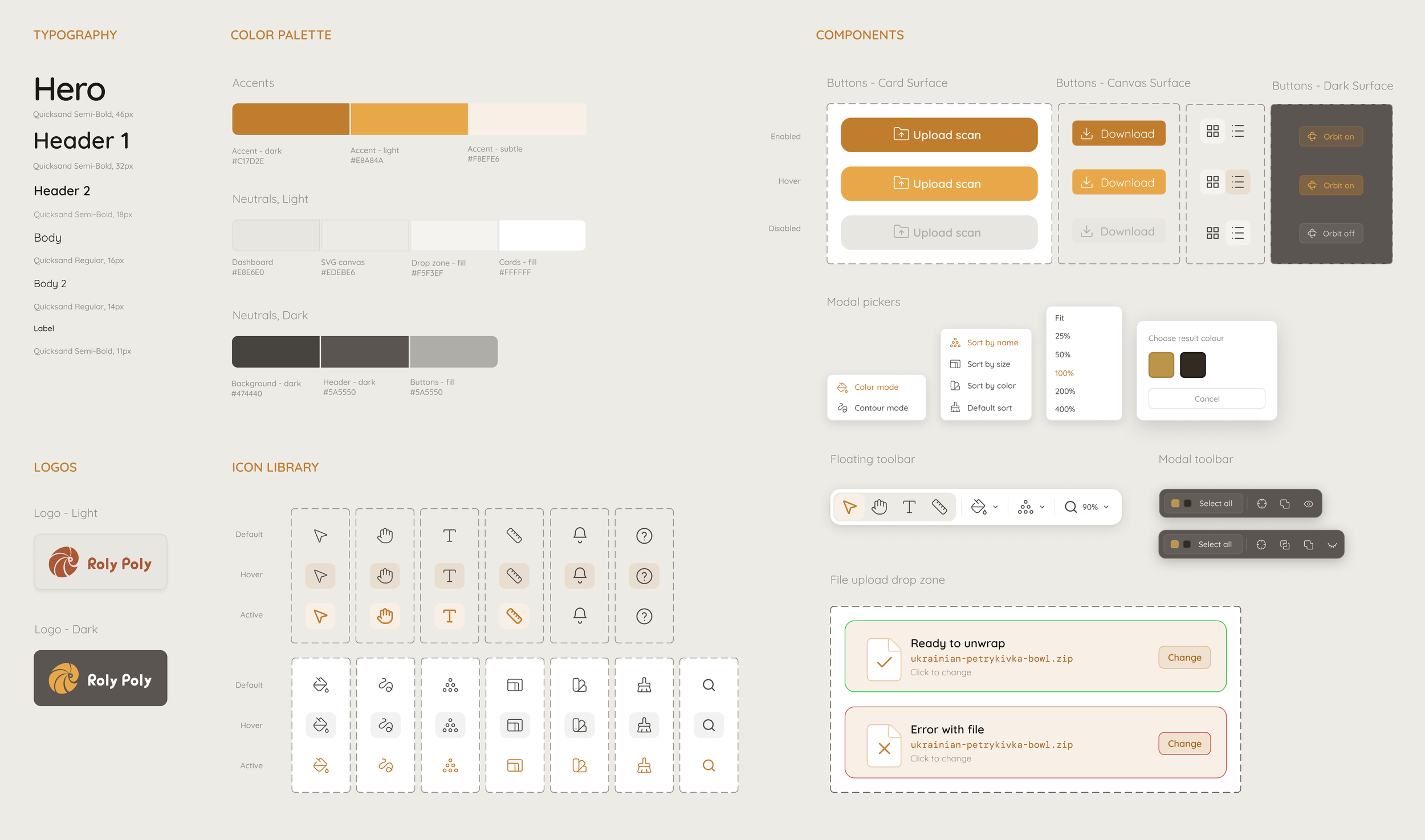
I created a style guide to help keep the visual design consistent as the app grows.
The primary color and warm neutrals were chosen to align the brand with the artisanal values of its target users.
Launching the Site
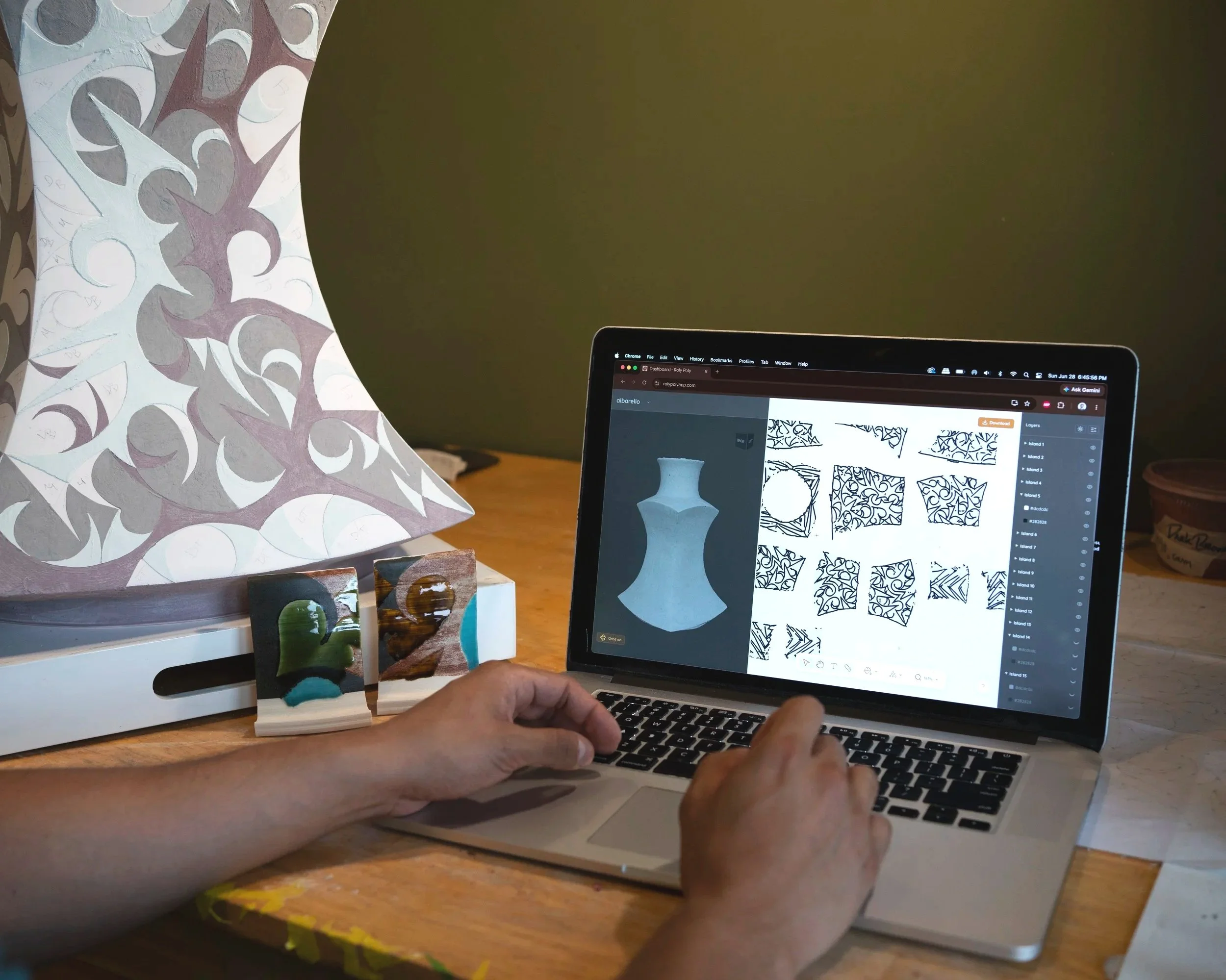
I’ve launched the beta version as an online tool for users to upload, modify, and export a cut-ready file. The code is stored on GitHub, with the React frontend deployed on Vercel and the Flask backend deployed on Railway.
If you’re interested to see a live demo, please reach out!
Next Steps
I’m continuing to developing the machine learning algorithm to further improve the accuracy of mark detection. The current neural network can distinguish marks from surface, but doesn’t yet create individual vector paths for closed shapes. By anticipating what shape is actually drawn by various marks, the next model will also be able to discriminate between stray marks and the draftsperson’s intended pattern.
As always, this will mean plenty of testing, iteration, and validation with real users along the way!